
5s · 1000×1000
AI search that understands Arabic, English and French, AI that turns your script into a storyboard, and ChatGPT or Claude working inside After Effects — on a library of motion elements made by designers.
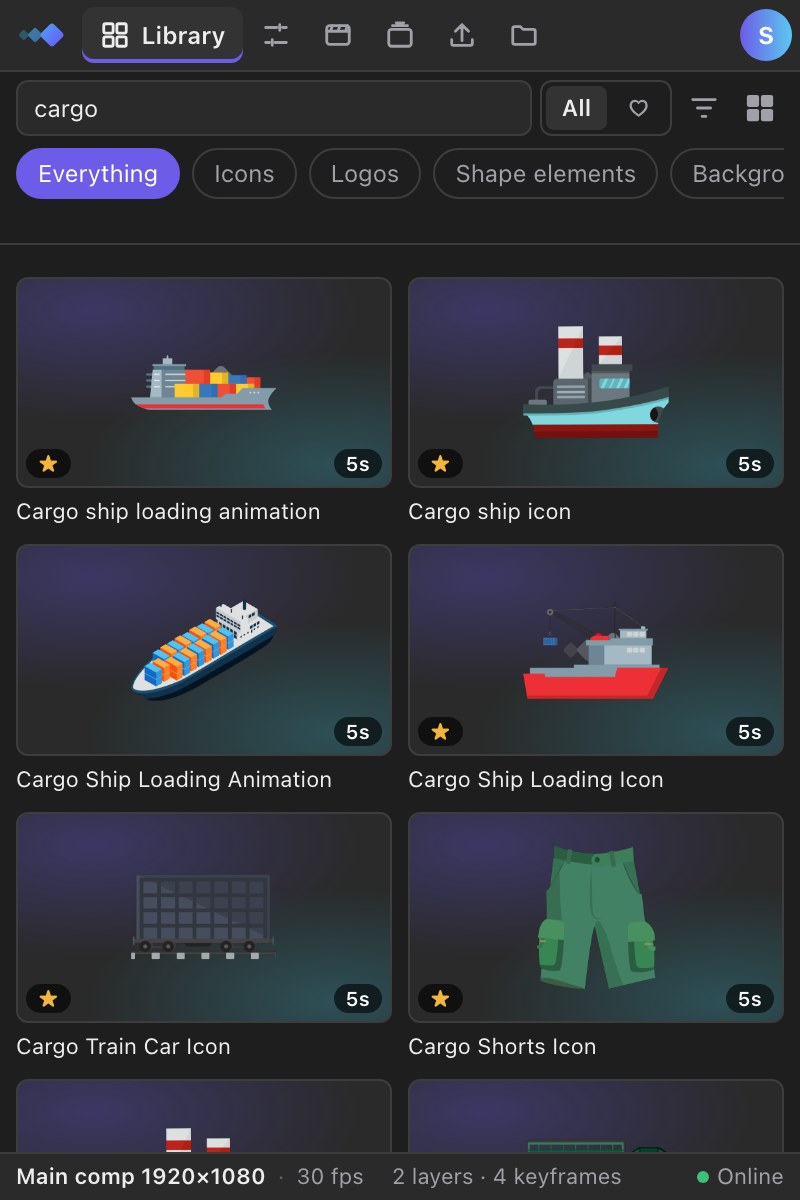
AI search
Describe it in a sentence, in your language.
AI assistants
ChatGPT or Claude place items in your comp.
Script to video
Paste a script, get scenes with the items in them.
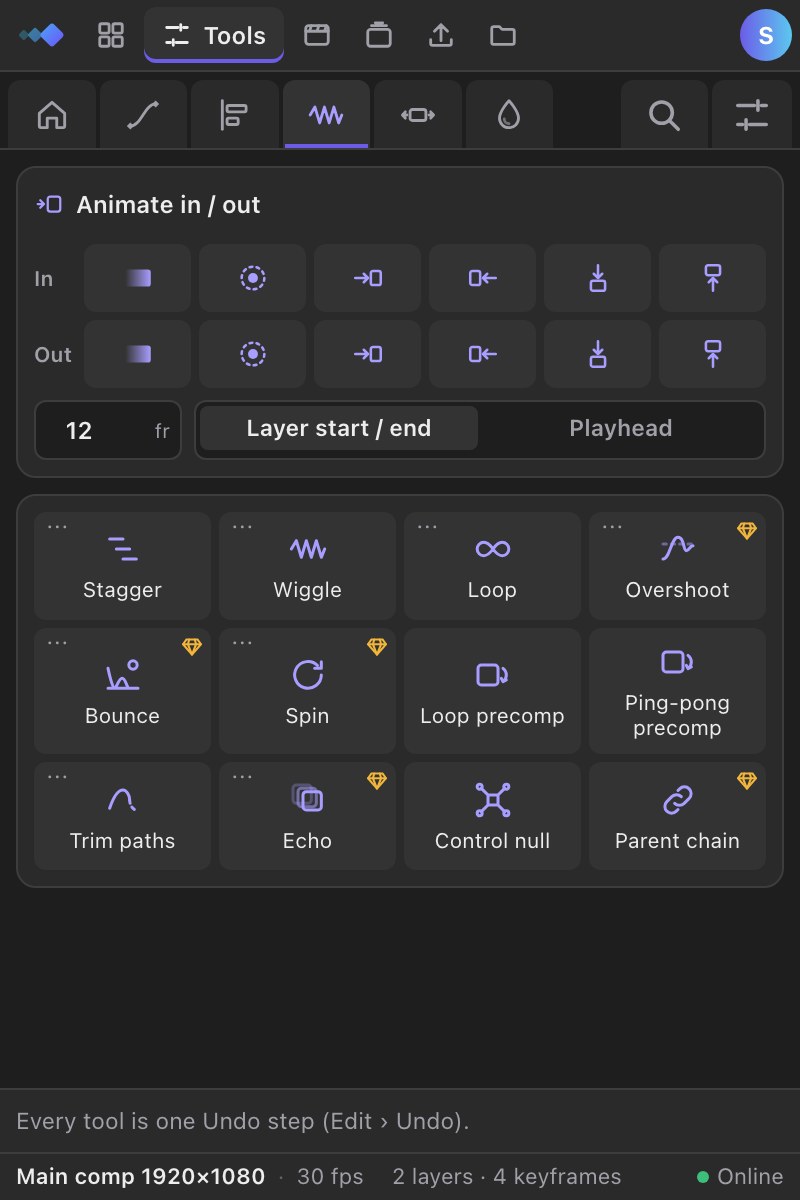
Animation tools
Ease, align, animate in and out, in one click.
Everything happens inside After Effects, in your language, in seconds.
Write a sentence like you would to a teammate, in Arabic, English or French. AI search finds the matching animation.
Ask Claude or ChatGPT for “a rocket at 2 s and a liquid transition at 5 s”. It finds the items and places them in your comp.
The precomp lands at your playhead, sized for your comp. Backgrounds loop, transitions snap to the cut, every item has simple controls.
Three steps, all inside the Keyloom panel in After Effects.
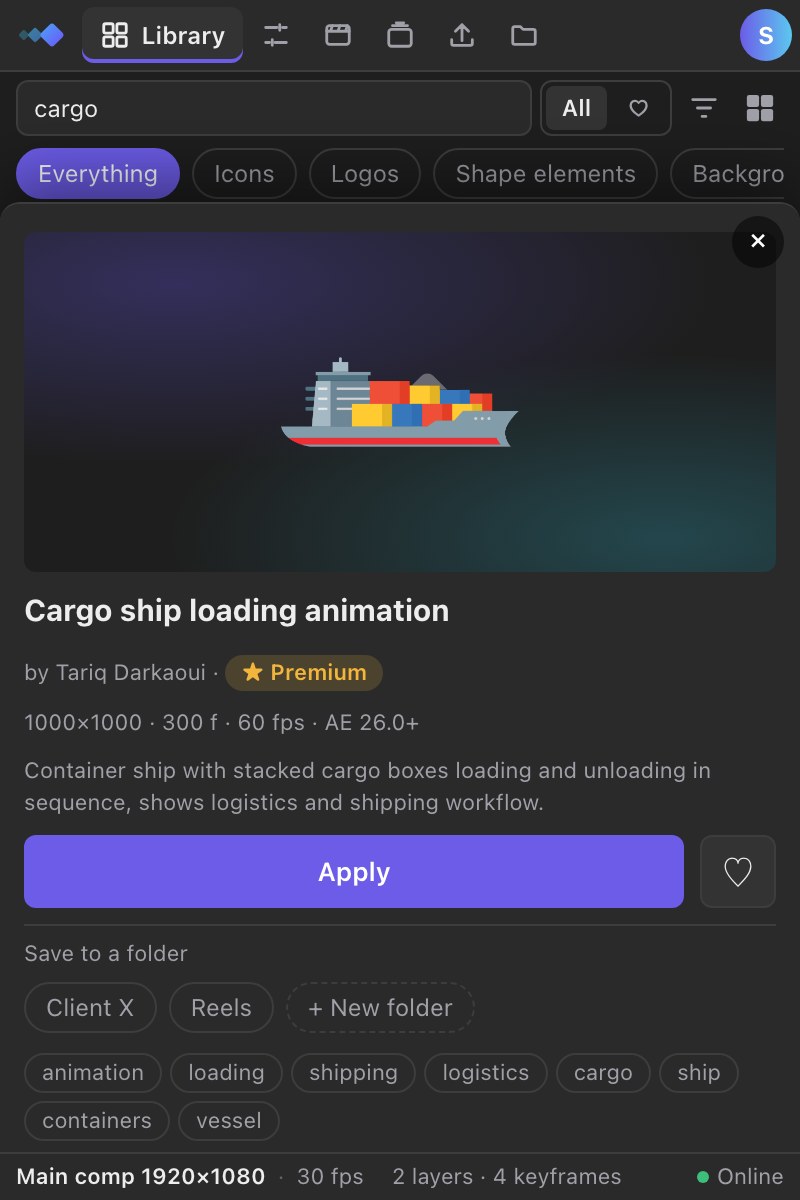
✓ Placed at 0:00:02:00
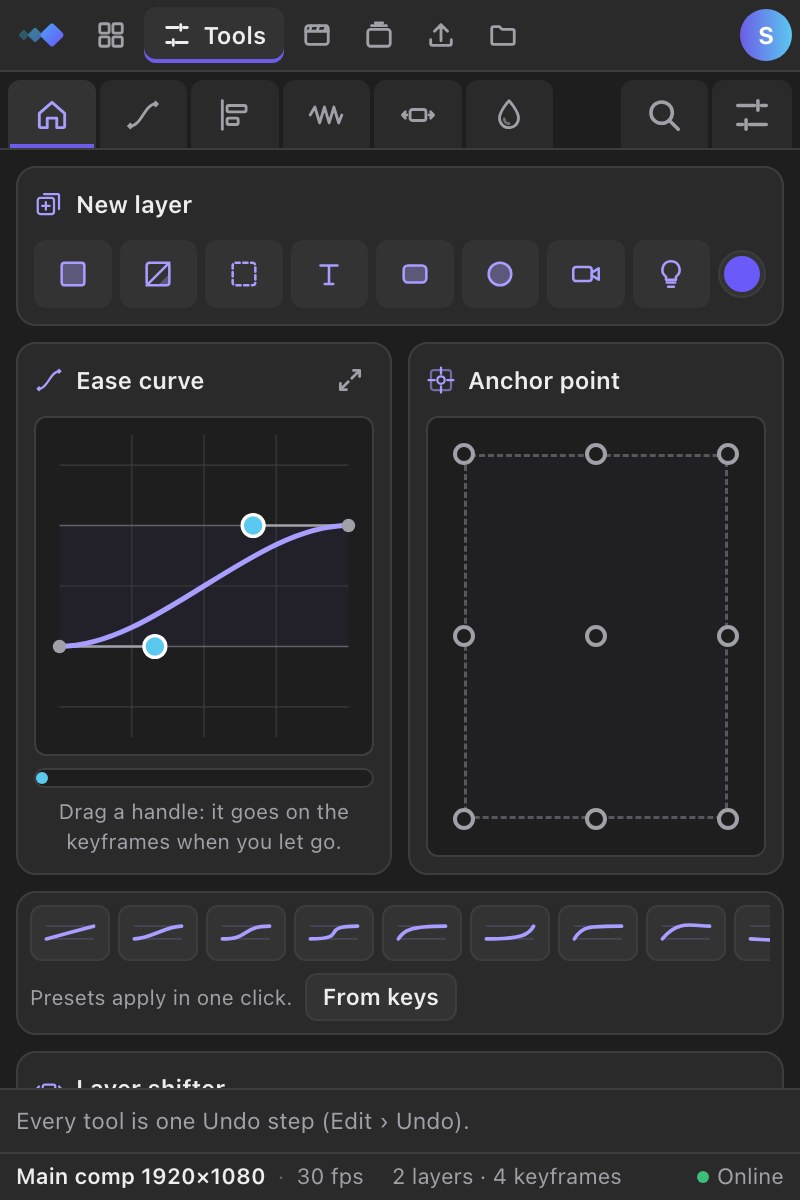
Apply an item, then ease it, center it, animate it in and out, loop it or give every precomp the same length, without leaving the panel. The everyday ones are free.
Ease
Shape the curve between keyframes, overshoot included.
New layer
Make a solid, null, text, shape, camera or light in one click.
Animate in / out
Fade, pop or slide layers in and out, eased, in one click.
Loop precomp
Loop a precomp (any Keyloom item) to the end of the comp.
Comp duration
Give the comp and every precomp inside it the same length.
Anchor point
Move the anchor point to any of 9 points without moving the layer.
Every item is a clean precomp with simple controls, checked by the team before it goes live.
Popular now




Fresh





Claude, ChatGPT or Cursor search the library and place each item at the right second, through the Keyloom panel.
Works with your AI
Ask in a sentence: “a rocket at 2 seconds, then a liquid transition”. Your AI searches Keyloom and places each item at the right second in your comp.
One price, everything included. Half of it goes to the creators whose work you use.
$0
$4.99 / month
Share them on Keyloom: other editors find them with AI search and use them in their projects, and you get paid when Premium members use them.
Open the Publish tab in the Keyloom panel and tick one comp, or a hundred at once.
The panel checks it, packages it and renders the previews. AI writes the title, category, tags and keywords in Arabic, English and French.
Your element is in the library and in every editor’s After Effects. You earn from every Premium use.
Can’t find what you need? Write to us and we reply within two days.
Contact usInside After Effects. Items are applied from the Keyloom plugin in one click; the website is for browsing and previews.
After Effects 2024 (24.0) or newer, on macOS or Windows.
Through the Keyloom panel. Your assistant talks to Keyloom with your personal key; the panel open in After Effects picks up each item and places it, exactly like the Apply button.
Yes. Items you apply can be used in personal and commercial projects. You cannot resell or redistribute the items themselves.
Yes. You keep Premium until the end of the period you paid for, then you are back on Free. No questions asked.
Each month, half of net subscription revenue is shared between creators according to how many subscribers used their Premium items. Yearly payments are shared out over the 12 months they cover.
Start free with the plugin. Go Premium for the whole library, AI search, API & MCP.