Skip to content
Keyloom API & MCP: Claude and ChatGPT can now add items to your After Effects comp. See how
Keyloom
Free · macOS and Windows

The Keyloom panel for After Effects

Search the library, preview on hover and apply precomps at your playhead without leaving After Effects. Free to install.

Download Keyloom 1.7.4 .zxp · 317 KB · Nov 19, 2026

You also need the free ZXP Installer by aescripts to install the panel. Get the ZXP Installer ↗

  • Search in Arabic, English or French
  • Apply at the playhead, sized for your comp
  • Your password is never typed in After Effects
Window › Extensions › Keyloom
The Keyloom panel: the library with real items, ready to apply
Real screen of the panel, with items from the library.
After Effects
24.0 (2024) or newer
System
macOS · Windows
Account
Free Keyloom account
Version
1.7.4
Install

Install in 4 steps

  1. 1

    Download the .zxp file

    Use the button above. It works on macOS and Windows.

  2. 2

    Install it with a ZXP installer

    Open the free aescripts ZXP Installer and drop the .zxp file on it. Restart After Effects.

    Download the ZXP Installer ↗
  3. 3

    Open the panel

    In After Effects, go to Window → Extensions → Keyloom. Dock it wherever you like.

  4. 4

    Connect your account

    Click Log in. Your browser opens with a short code: check it matches the panel and click Connect. You never type your password in After Effects.

Updating? Install the new .zxp the same way: your login and downloaded items are kept. Already have a code from the panel? Enter it here

Inside the panel

Everything happens inside After Effects

Real screens of the Keyloom panel, with items from the library.

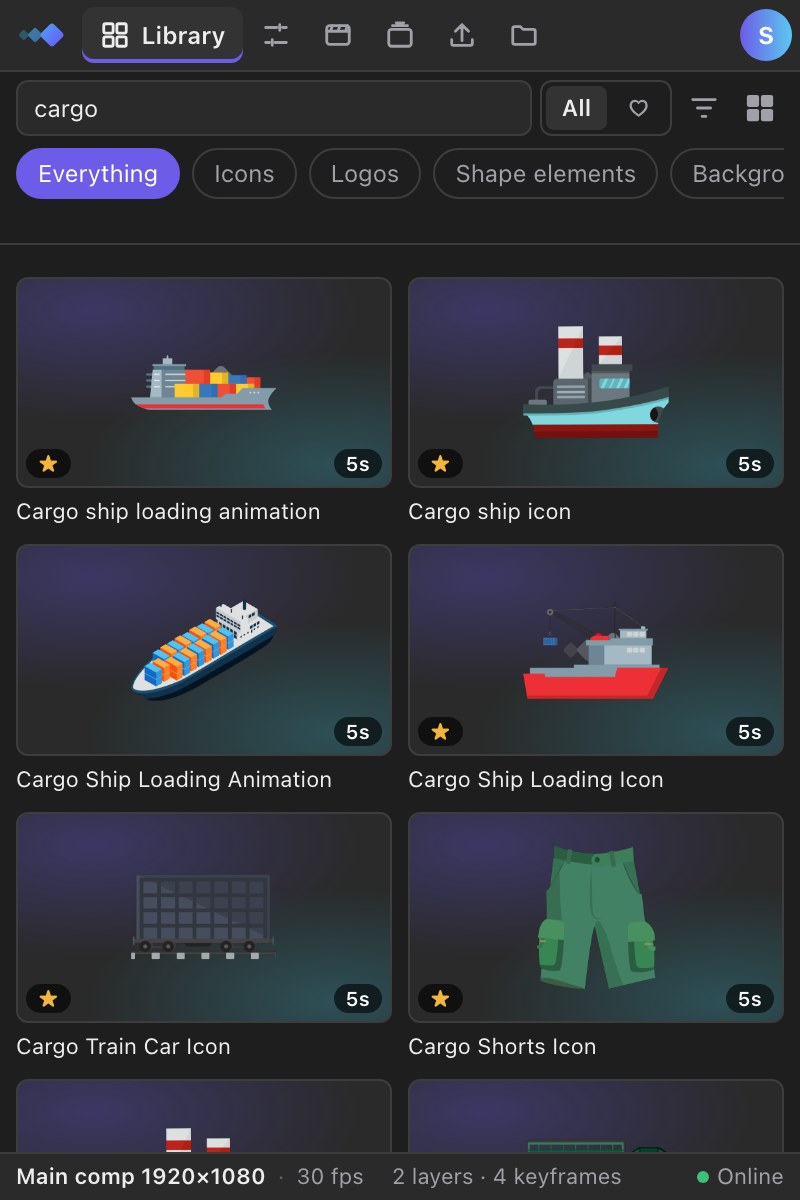
Library

Library

Search in any language, filter by category, previews play on hover.

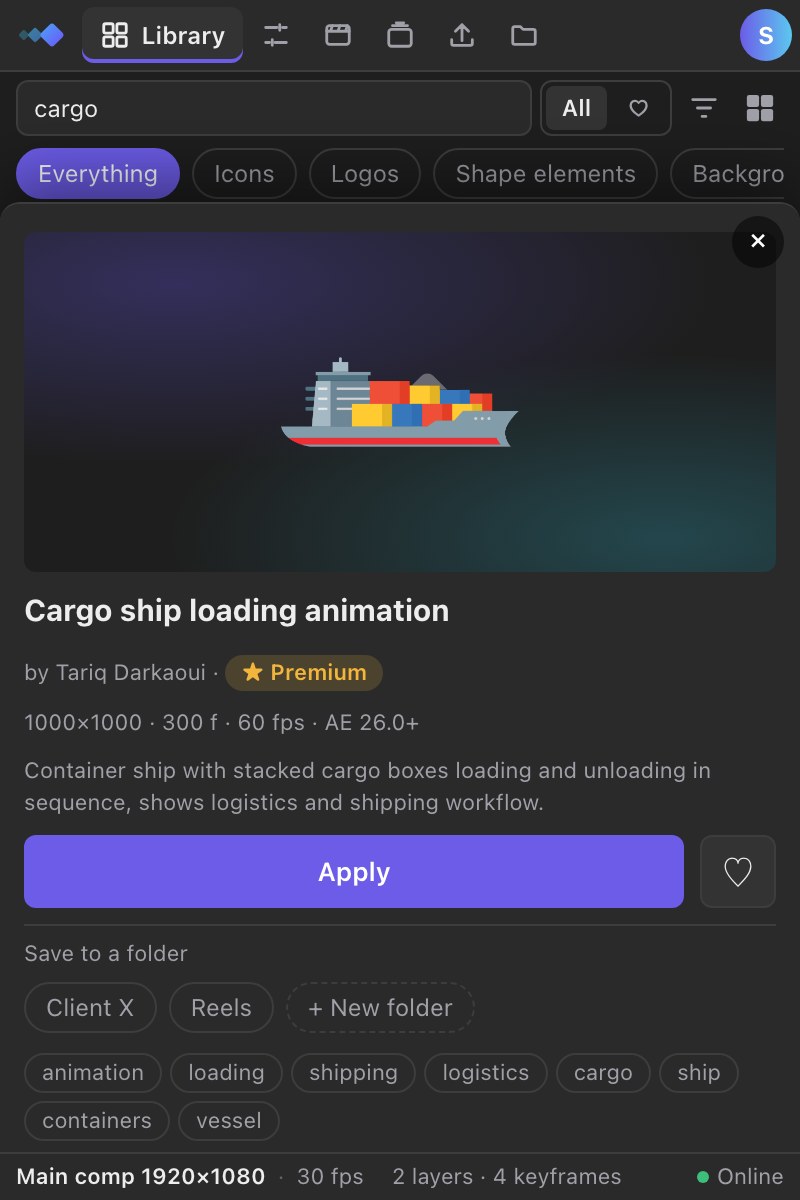
Item details

Item details

Size, frames, frame rate and the After Effects version it needs. Apply in one click.

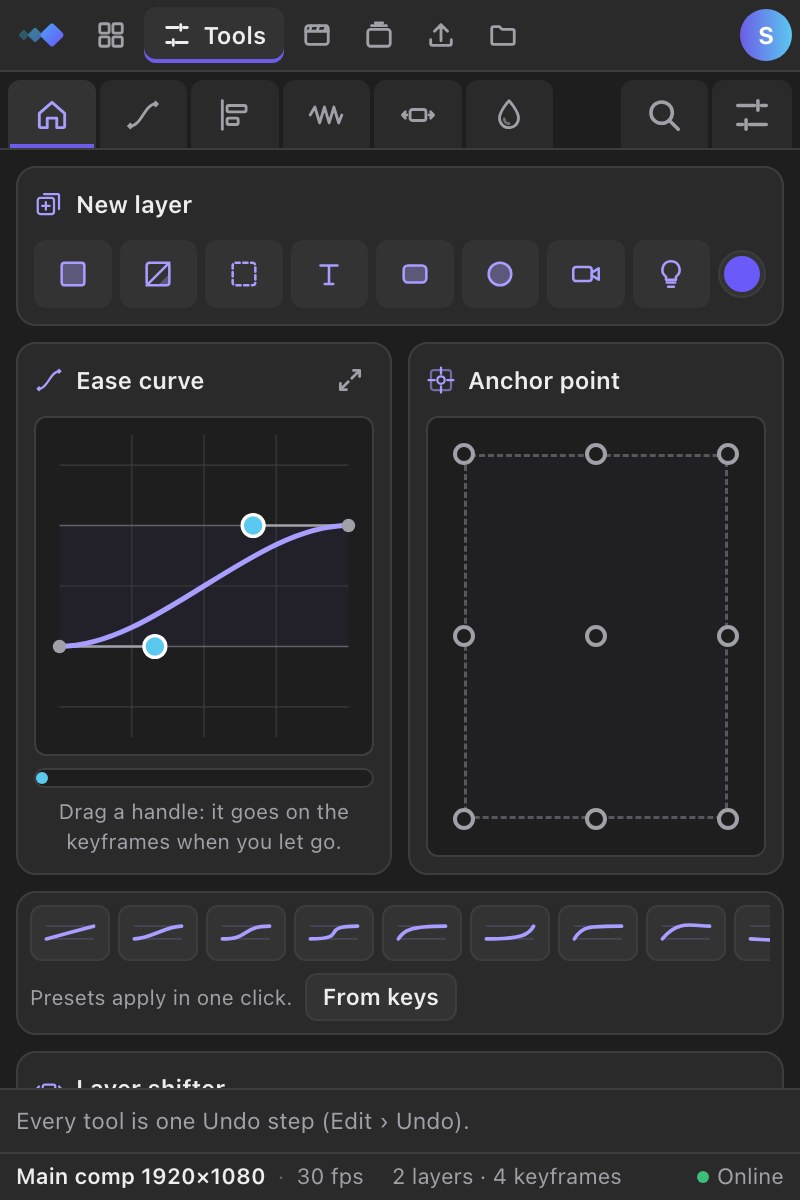
Tools

Tools

New layers, ease curve, anchor point, layer shifter and many more tools.

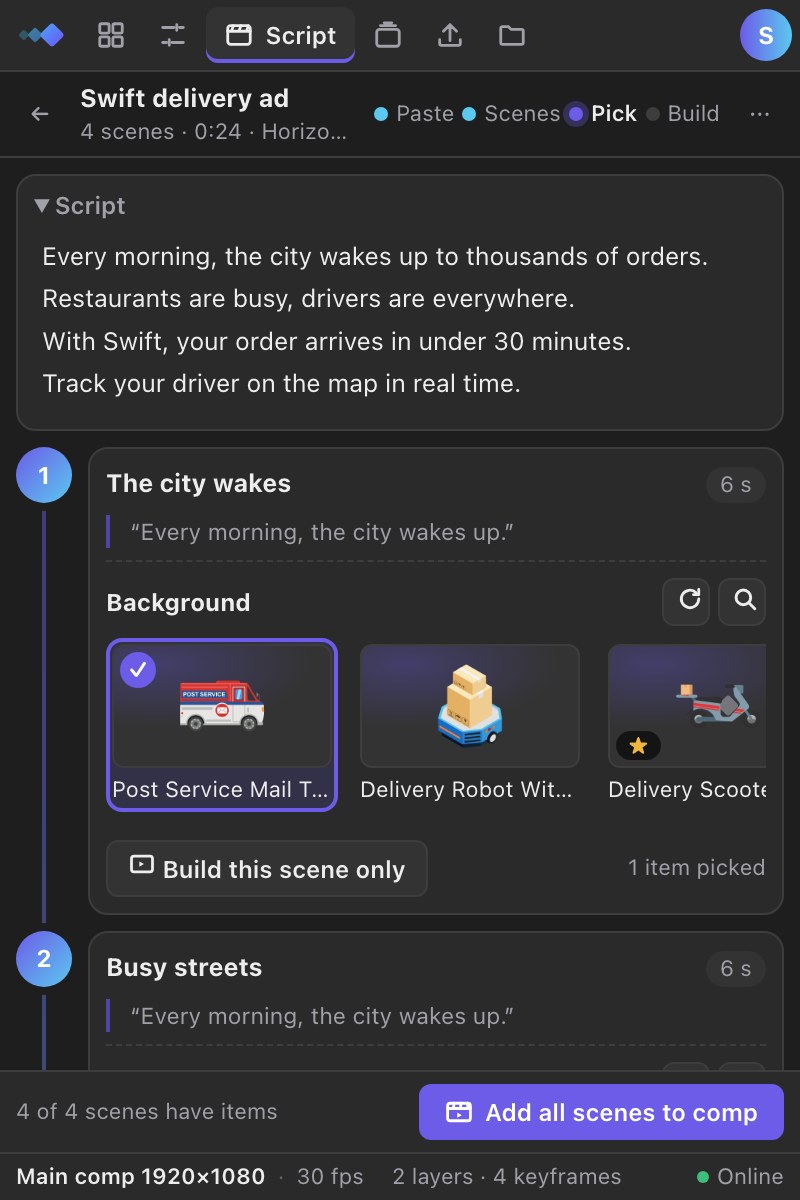
Script → storyboard

Script → storyboard

Paste a video script: AI splits it into scenes and picks items for each one.

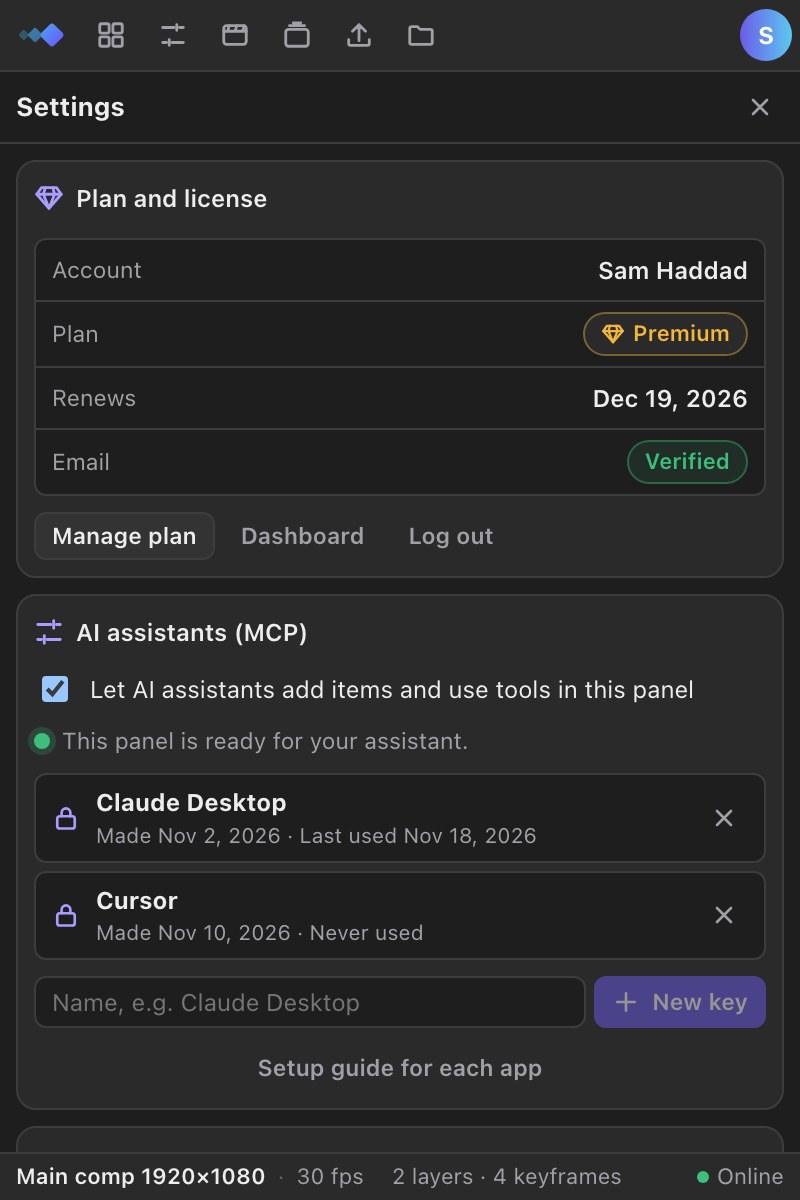
Settings

Settings

Your plan, AI assistant keys and panel options, in the panel.

Releases

What’s new

  1. 1.7.4

    • AI first: describe what you need in a sentence, in Arabic, English or French, and the AI finds it.
    • ChatGPT and Claude in After Effects: connect your AI from the panel's Settings and it places items and runs tools in your comp.
    • New Tools tab in the plugin: 32 animation tools in clear panels (Ease, Align, Motion, Layers, Color). The everyday ones are free.
    • Ease curve: drag the curve and the keyframes update on release, with no Apply button. You can enlarge the graph in place.
    • New layer and Comp duration: create any layer in one click, and give every nested precomp the same length.
    • Animate in/out, Loop precomp, Trim paths, Echo, Stagger and more. Each one is a single Undo step.
    • Settings page in the plugin: your plan and license, AI assistant keys and panel options in one place.
    • New Library home: a live demo of searching, plus a "Discover new items" banner with the newest elements.
    • Website: a new Tools page explaining every tool, a detailed Premium page, and bigger plugin screenshots.
    • For developers: full API and MCP documentation at keyloom.art/api-mcp/docs.
  2. 1.4.0

    • api
    • mcp support
  3. 1.3.4

  4. 1.3.0

  5. 1.2.1

Your next edit, finished faster.

Start free with the plugin. Go Premium for the whole library, AI search, API & MCP.

  • Apply in one click inside After Effects
  • Arabic, English and French
  • Cancel anytime